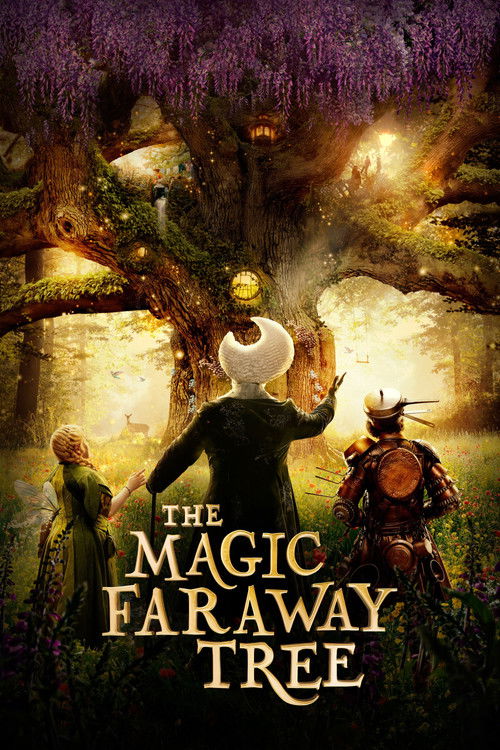
 The Magic Faraway Tree
A private Plex library for friends & family
discover
Thousands of movies and complete series, curated and ready to stream.
Use your monthly credits in Discord and follow every addition.
Press play through Plex at home or away. Your first seven days are free.
Ready for movie night?
Create a free Plex account, then join the Stork Host Discord to get connected.
Plans start at $5 · Pay Alex on Venmo (opens in a new tab)Current Stork Host library totals: 4,155 movies613 shows26,227 episodes
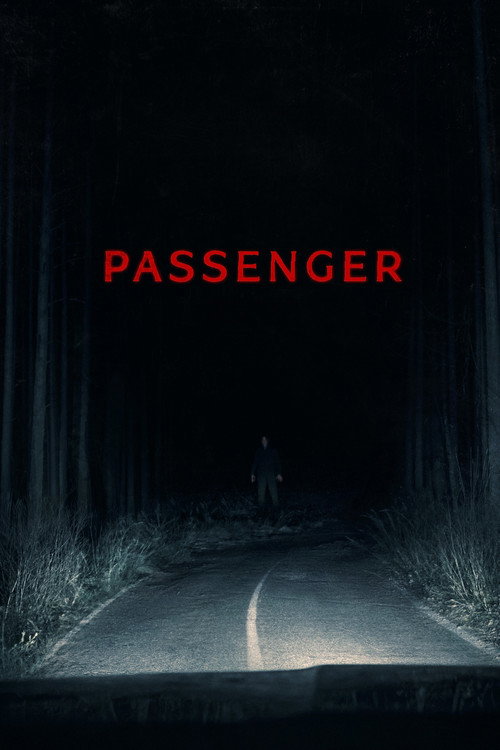

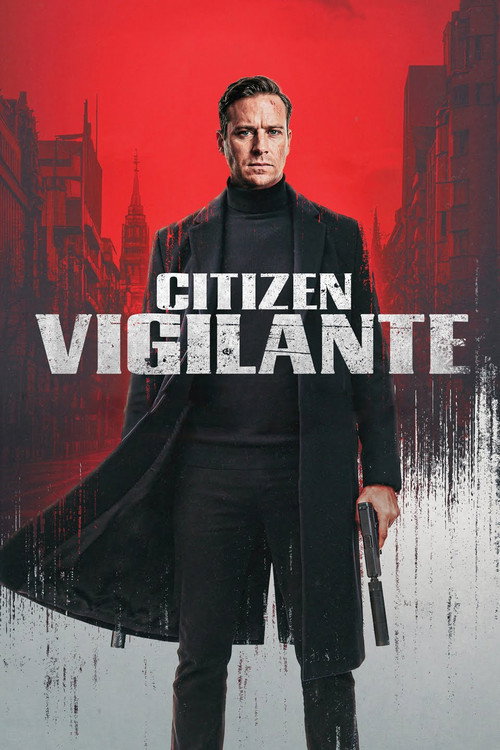



Live from the library
See what's ready before you press play.
A living look at Stork Host—what just landed, what's on the way, and which complete stories are ready for a proper binge.
New content lands every Friday
Saved library viewLive refresh is temporarily unavailable
4,155Moviesready to watch
613TV showsseries in the library
26,227Episodesacross every season
Just released
Newly available movies, ready for your next watch.
Adding now
TV seasons currently making their way into the library.
The queue is clear.
Request in Discord (opens in a new tab)No TV seasons are being added right now—request the next one in Discord.
Complete seasons
The latest seasons to arrive with every episode ready.
Ready to binge
Ended and cancelled series available from beginning to end.
Start watching
From zero to movie night in three steps.
Plex handles the streaming. Discord handles requests and help. Stork Host keeps the experience simple in between.
- 01
Create your Plex account
Use a free Plex account, then connect with Alex using the profile link below.
- 02Join Stork Host Discord (opens in a new tab)
Join the Discord
Your private channel is where you’ll request titles, see updates, and get help.
- 03
Choose a plan & pay
Send payment through Venmo or Zelle. Your first seven days are on us.
The one detail that matters: include your exact Plex username in the payment note so your access can be matched and activated quickly.
Simple membership
Pick your pace.
Every plan includes the complete Stork Host library and a 7-day free trial.
Standard
$5/ month
A simple way to keep watching and request something new.
1 request credit each month
Choose StandardStandard + Plex Pass
$10/ month
Monthly access with the server’s Plex Pass experience included.
1 request credit each month
Choose Standard + Plex PassPremium
$60/ year
Best for regular watchers who want more room to request.
2 credits monthly · roll over up to 5
Choose PremiumPremium + Plex Pass
$100/ year
The complete annual experience, with Plex Pass benefits.
2 credits monthly · roll over up to 5
Choose Premium + Plex PassPay with Venmo (@AlexStork) or Zelle — details on the plans & payment page. Need more requests? Extra credits are $2 each through Discord. Premium credit balances roll over up to a maximum of five.
Your request desk
Ask, track, and get back to watching.
Every member gets a private Discord channel — your control center for requests, credits, renewal reminders, and support. Type / in your channel and these commands guide you step by step.
Need more requests? Extra credits are $2 each and never expire — just ask in Discord.
/requestRequest a movie or TV season by name, or paste a Trakt, IMDb, or TMDB link.
/request-otherRequest an audiobook or a pay-per-view event like UFC or WWE.
/creditsSee available, pending, and next-month request credits.
/requestsCheck the status of your open and recent requests.
/time-leftSee when your current membership renews or expires.
/cancelCancel a pending request and get the credit back.
/buy-creditsBuy extra request credits — $2 each, and they never expire.
/report-issueSomething not playing right? Report it and Alex will take a look.
One stream at a time
Each Stork Host account can stream on one device at a time. It keeps playback reliable and access fair for everyone in the library.
Ready when you are
The credits can wait. Start with the free week.
Create your Plex account, join Discord, and Alex will help connect the rest.